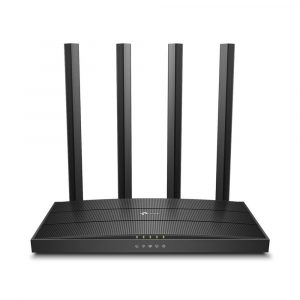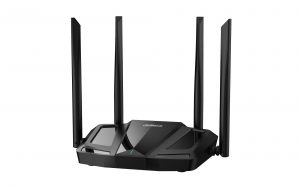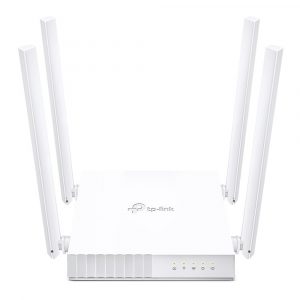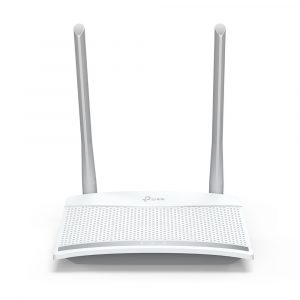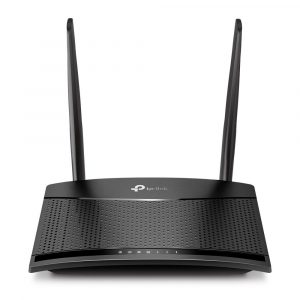
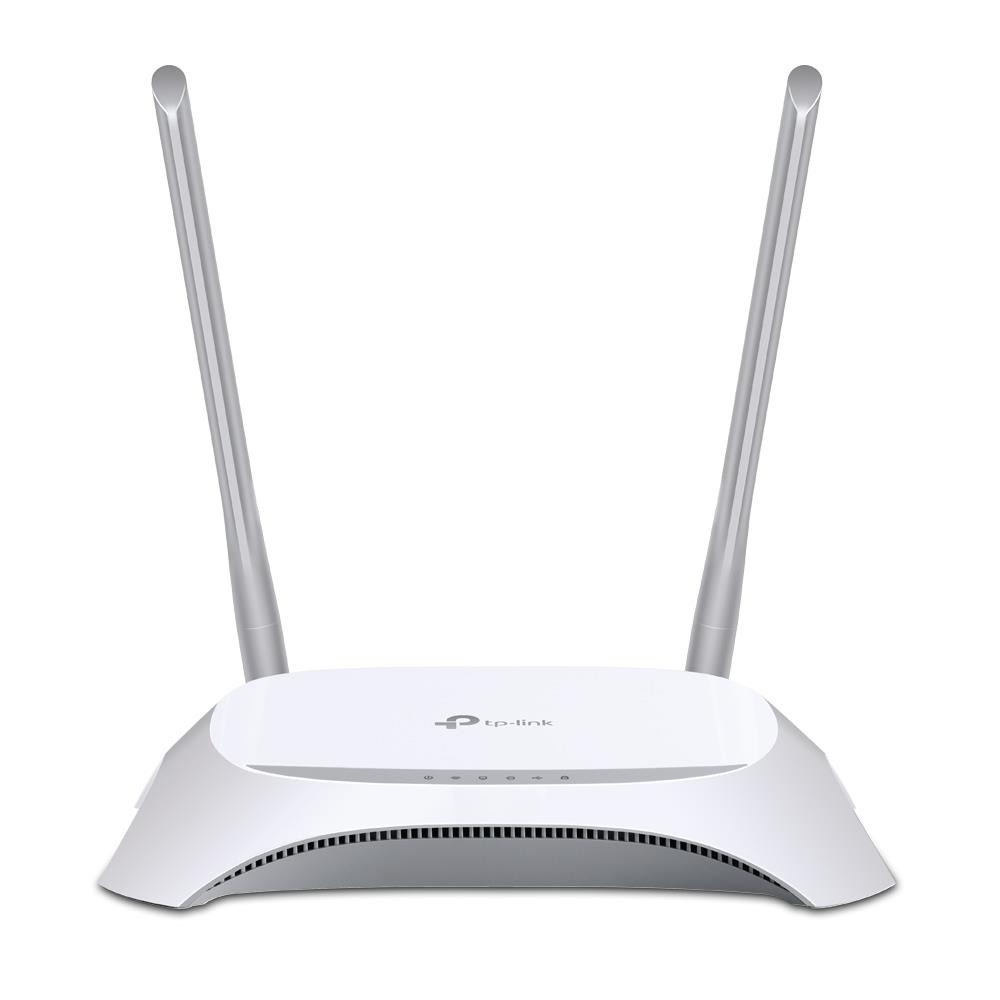
Wireless Router|TP-LINK|TL-MR3420|Wi-Fi 4 (802.11n)|Data speed 300 Mbit/s|Ethernet WAN Yes|WAN connection type RJ-45|Ethernet LAN Yes|4xLAN ports|USB port Yes|TL-MR3420

23,40€

6935364051495

4 in stock
 Estimated Delivery: Up to 2-3 business days
 Delivery by courier: €5.90
 Free shipping on all orders over €500

Description

What This Product Does
Share the freedom of 3G/4G! The TL-MR3420 3G/4G Wireless N Router allows users to share a 3G/4G mobile broadband connection with family and friends via wired or wireless connections. By connecting a 3G/4G USB modem to the routers, a Wi-Fi hotspot is instantly established, via which multiple devices can access the Internet and share data and applications wirelessly.

Enjoy 3G/4G Wireless Sharing
TL-MR3420 features blazing 4G speeds and backward compatible with 3G modems, allowing users to share a 3G/4G mobile broadband with family and friends via wired or wireless connection.

Tests in the Field-High Compatibility
Compatibility is the most important aspect to consider when you're selecting a 3G/4G router. To ensure the best compatibility between our routers and the modem you would use with the router, TP-LINK has made certain that our 3G/4G Routers are compatible with the ISPs in the regions in which they are sold. We have teams around the globe continually testing our Routers with newly emerged modems to ensure that end users can feel confident that their routers will operate flawlessly where they live and work.

Comprehensive 3G/4G and WAN Connection Backup Strategy
The TL-MR3420 stands out with its 3G/ 4G and WAN connection back-up, which keeps users online when one connection fails. TP-LINK's 3G/4G Router provides users with both 3G/4G Preferred and WAN Preferred back-up modes, while other brands provide one or the other. This brings users a high degree of flexibility when users are setting up the networks with considering connection costs and length of downtime.

Wireless N Speed & Range
Complying with the IEEE 802.11n standard, the TL-MR3420 can establish a wireless network with transmission speeds of up to 300Mbps, while mitigating data loss over long distances and through obstacles in a small office or a large apartment, even in a steel-and-concrete building. Above all, users can easily pick up their wireless network's signal at longer distances from the router, where with legacy 11g products they would have to be much closer.

WPA / WPA2 Encryptions -Advanced Security
In order to safeguard user‘s Wi-Fi networks, WEP encryption is no longer strong enough. The TL-MR3420 provides WPA/WPA2 encryptions (Both Personal and Enterprise),created by the WI-FI Alliance, promoting interpretabilities and security for WLAN, to protect against almost any threat that the Internet or intruders may harbor.

SummaryTP-Link TL-MR3420. WAN connection type: RJ-45. Wi-Fi band: Single-band (2.4 GHz), Top Wi-Fi standard: Wi-Fi 4 (802.11n), WLAN data transfer rate (max): 300 Mbit/s. Ethernet LAN interface type: Fast Ethernet, Ethernet LAN data rates: 10,100 Mbit/s, Networking standards: IEEE 802.11b, IEEE 802.11g, IEEE 802.11n, IEEE 802.3u. Firewall security: NAT, SPI. Product type: Tabletop router, Product colour: Black, White
Vendor Homepagehttps://www.tp-link.com/lk/products/details/?model=TL-MR3420#spec
Category CodeWRO
CnCode85176200
Unit Box Height0.07
Unit Box Length0.315
Unit Box Width0.24
Wi-Fi bandSingle-band (2.4 GHz)
Top Wi-Fi standardWi-Fi 4 (802.11n)
WLAN data transfer rate (max)300
Wi-Fi standards802.11b/802.11g/Wi-Fi 4 (802.11n)
Modulation16-QAM/64-QAM/CCK/DBPSK/DQPSK/OFDM
Ethernet WANYes
DSL WANNo
SIM card slotNo
3G/4G USB modem compatibilityYes
WAN connection typeRJ-45
Ethernet LANYes
Ethernet LAN interface typeFast Ethernet
Ethernet LAN data rates10/100
Networking standardsIEEE 802.11b/IEEE 802.11g/IEEE 802.11n/IEEE 802.3u
Auto MDI/MDI-XYes
Receiver sensitivity270M: -68dBm@10% PER, 130M: -68dBm@10% PER, 108M: -68dBm@10% PER, 54M: -68dBm@10% PER, 11M: -85dBm@8% PER, 6M: -88dBm@10% PER, 1M: -90dBm@8% PER
Ethernet LAN (RJ-45) ports4
USB portYes
USB 2.0 ports quantity1
DC-in jackYes
Web-based managementYes
WPS push buttonYes
FirewallYes
Firewall securityNAT, SPI
DDoS protectionYes
FilteringYes
MAC address filteringYes
IP address filteringYes